

12th ENGLISH EXAM SOLUTION 2025

🔥 Join for 100% result in Bihar board exam 2025

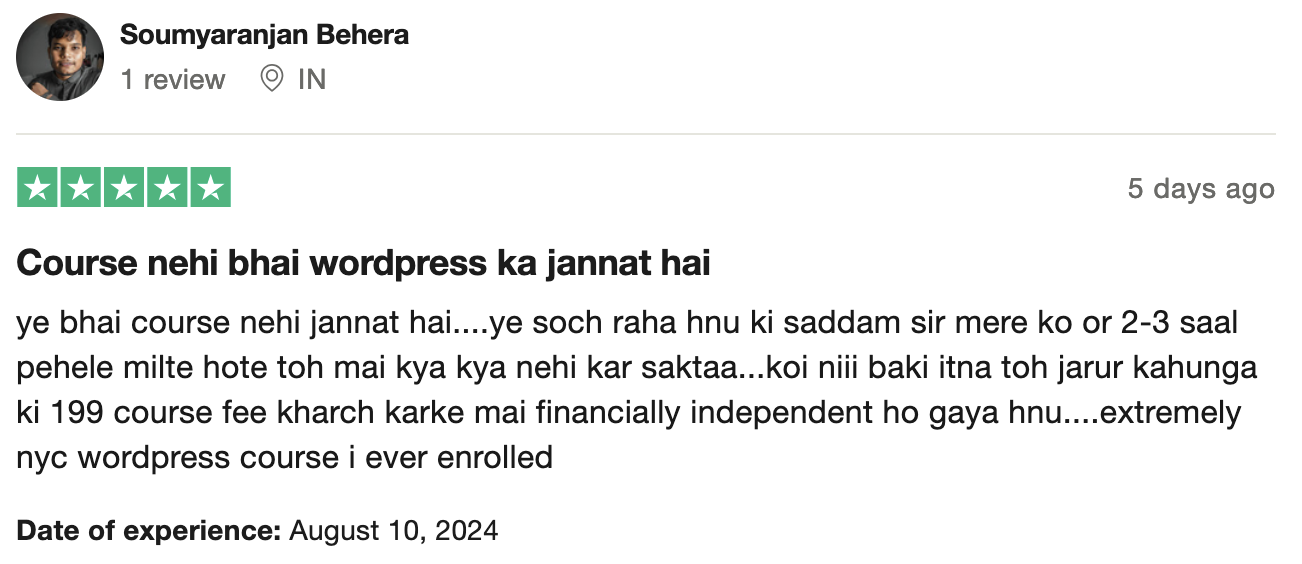
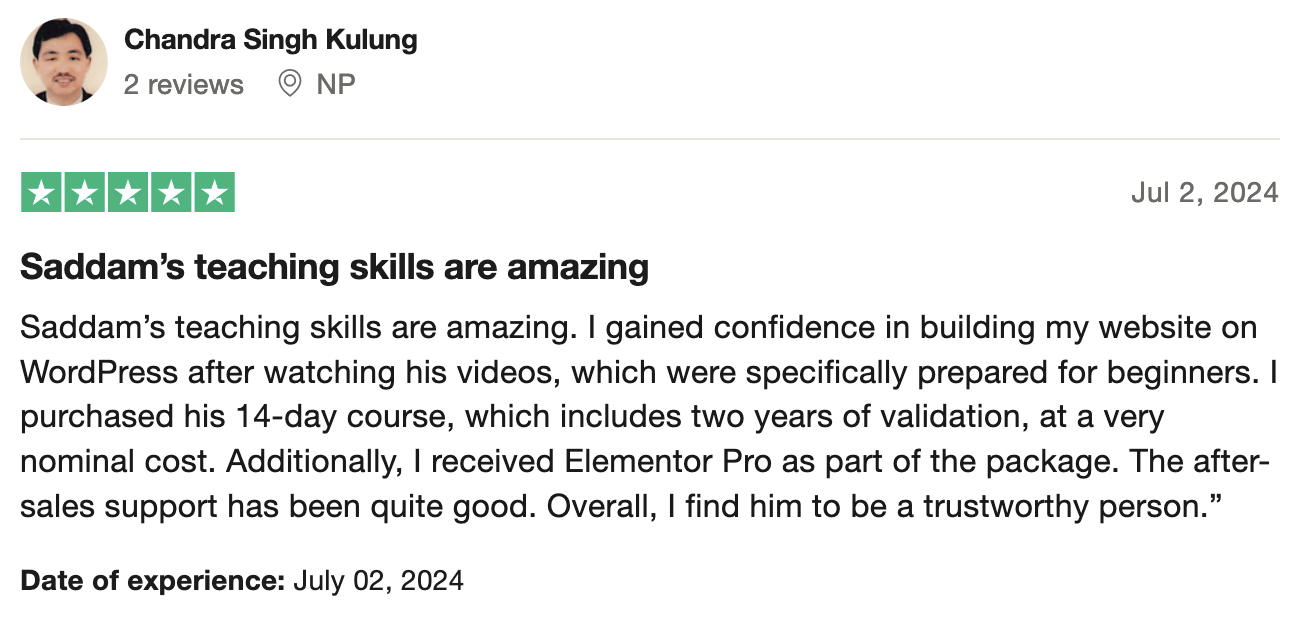
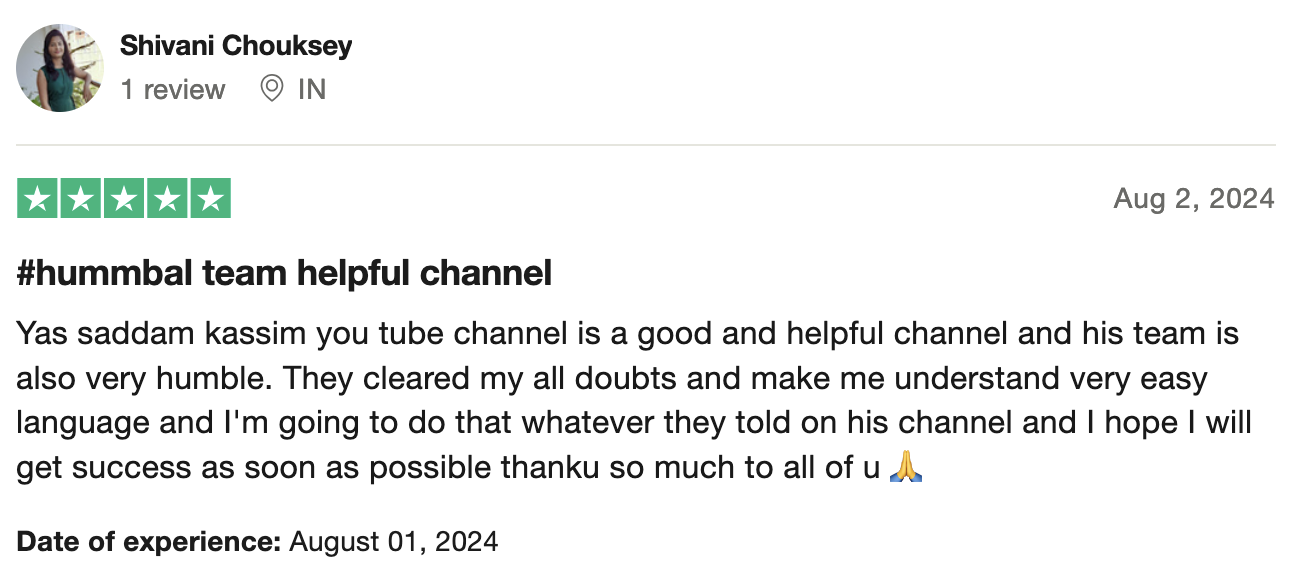
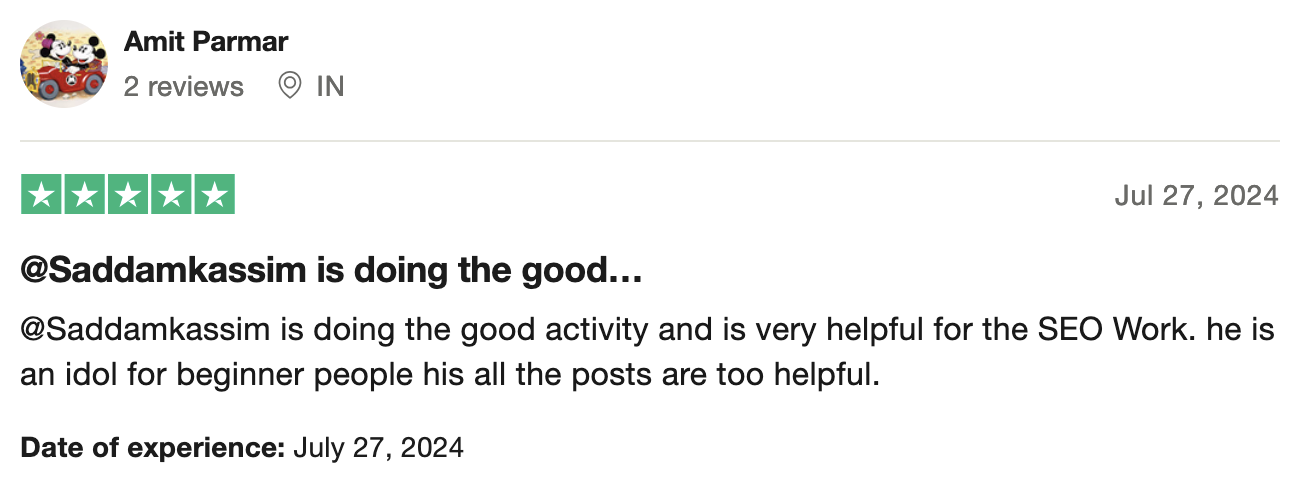
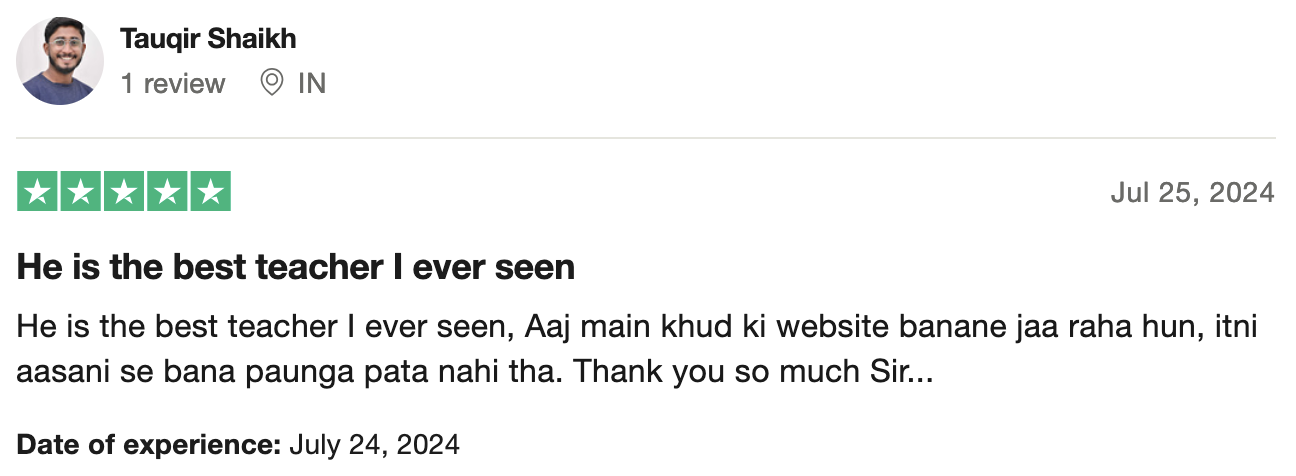
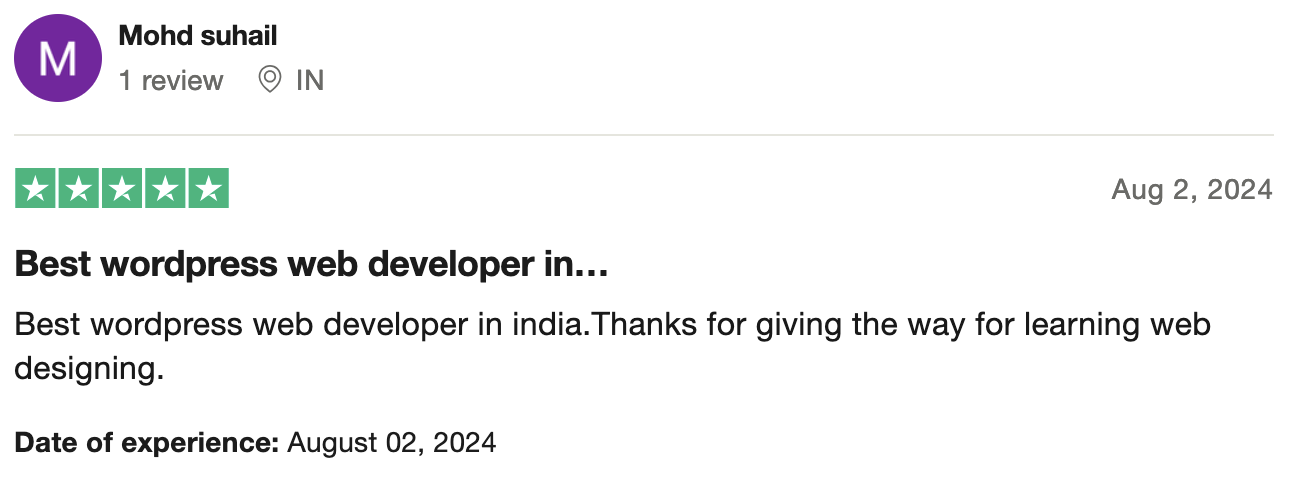
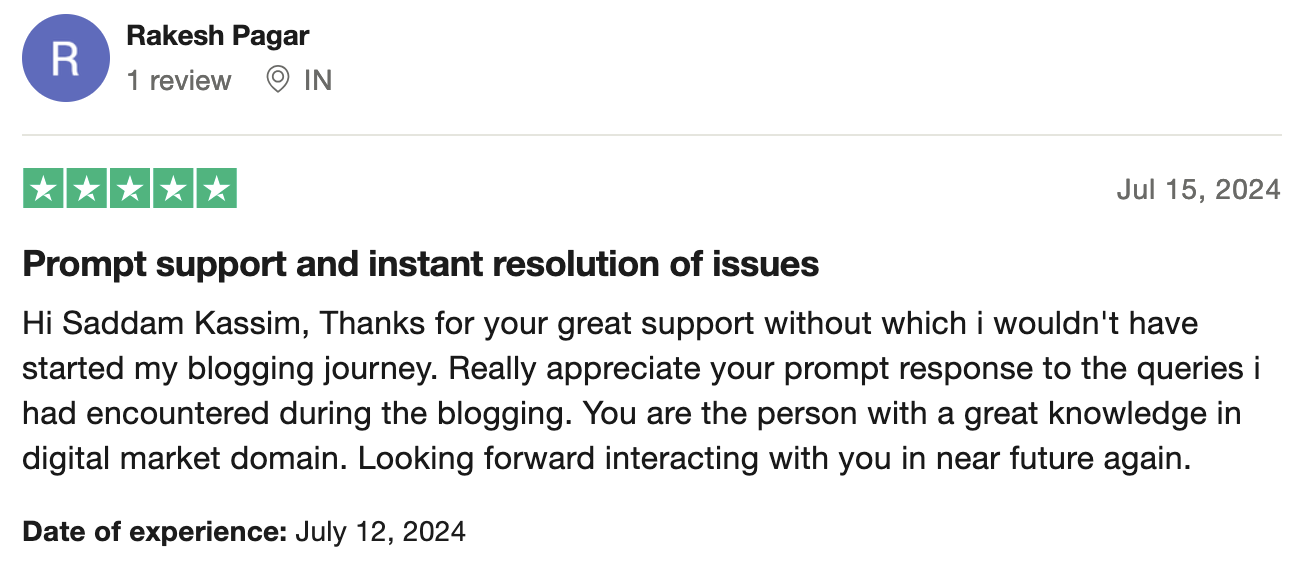
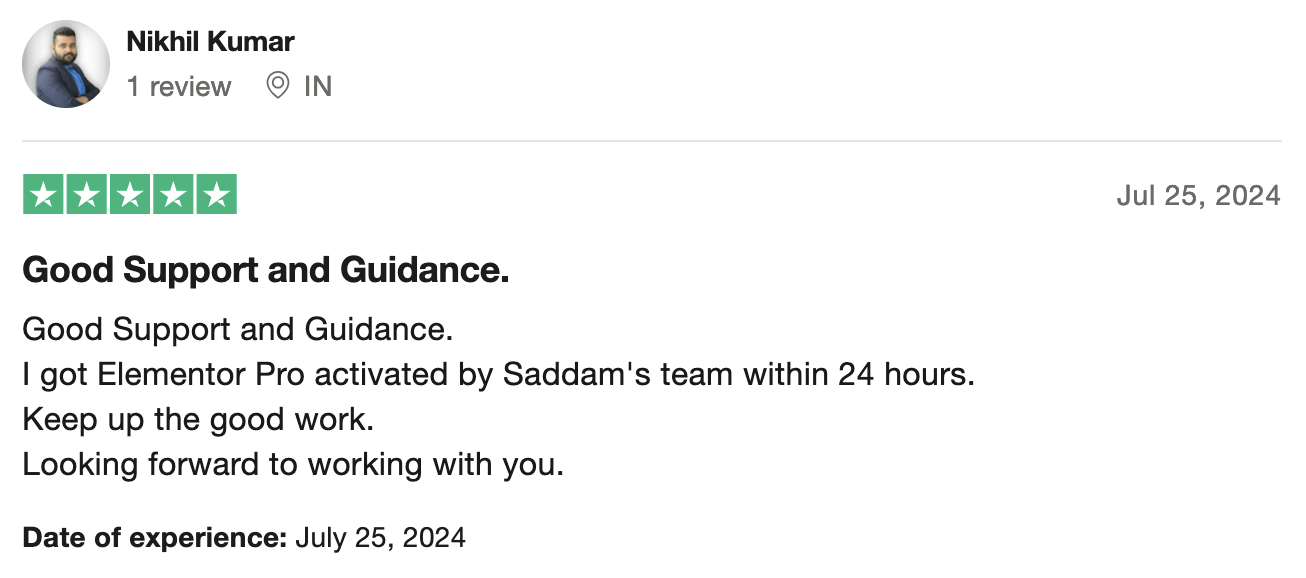
4.8 Star Ratings For Mantu kumar

Become master in text book and grammar

Computer Course For Beginners Course

Learn Computer Course Step-By-Step

Course Language

Hindi - हिंदी

Course Validity

1 Year

35+ Video Lectures

35

Support

On Call & Email

00
hours
00
minutes
00
seconds
ENROLL NOW FOR ₹199
One-Time Fee!
  • 18% GST Applicable

Are you a Non-Indian customer? Pay here...

3.9k+

Enrollments

Why should you become a Computer Course?

More than 70% of the websites in this world are powered with Computer Course including sony.com

shapes
shapes

What will you learn in this 14 Days WordPress Course?

  • How to design & develop websites without coding knowledge.
  • How to buy a domain name and web hosting.
  • How to create pages and menu easily.
  • How to embed Google Maps on your website.
  • How to add animations to your webpages.
  • How to create inquiry forms.
  • How to create backup of your website.
  • How to launch your website on the internet with just a few steps.
  • How to start your own home-based web design business.
img
UPDATED

Course Syllabus - 35+ Lectures

  • Lecture 1: What is a Website and Why do people spend thousands on it?
  • Lecture 1.1: How to Watch the Course Lectures?
  • Lecture 2: What is WordPress and Why do we use WordPress for building websites?
  • Lecture 3: What are the requirements to build a website and how does it work actually?

  • Lecture 4: Get the Best Web Hosting
  • Lecture 5: How to Redeem the Free Domain and Install WordPress?
  • Lecture 5.1: Which Domain I’ll use in this Course

  • Lecture 6: What are WordPress Themes and How to Install A Theme
  • Lecture 7: What are WordPress Plugins and How to Install A Plugin
  • Lecture 8: How to Create Webpages and Menus
  • Lecture 9: Dealing WordPress Basic Settings

  • Lecture 10: Understanding Containers and Heading Element with its all settings
  • Lecture 11: Understanding Elementor New Interface
  • Lecture 12: Creating Real Heading, Image and Button Element
  • Lecture 13: Understanding Imagebox and container hover effect
  • Lecture 14: Duplicating and Copying/Pasting Elements
  • Lecture 15: Finding Background Color using Inspect Tool
  • Lecture 16: Creating the Testimonials Section

  • Lecture 17: Creating content on About us page
  • Lecture 18: Creating content on Services page
  • Lecture 19: Creating content on Contact Page: Contact Form using WP Forms
  • Lecture 20: Creating content on Contact Page: Contact Info with Icons
  • Lecture 21: Creating content on Contact Page: Google Maps Embedding

  • Lecture 22: Writing a Blog post and displaying on the Blog Page

  • Lecture 23: Designing a Logo without Photoshop and setting up the header
  • Lecture 24: How to Set up the Footer

  • Lecture 25: Animating the Elements
  • Lecture 26: Creating a Banner Slider
  • Lecture 27: Creating a FAQ Section using Tabs and Accordion
  • Lecture 28: Preparing the Portfolio Page

ENROLL NOW FOR ₹199
One-Time Fee!
FAQs

Frequently Asked Questions

This course covers all the basics of WordPress, including setting up a website on a live server, installing themes and plugins, designing pages using Elementor. It also introduces you to freelancing opportunities using WordPress.

The course duration is 14 days, with structured lectures that help you build a strong foundation in WordPress.

Yes, this course is designed for beginners. You don’t need any prior experience in web development or coding to enroll.

The course is taught in Hindi, making it easier for Indian students to follow along.

When you enroll in the course, a few lectures are unlocked immediately on Day 1. As you progress, additional lectures are unlocked day by day. This gradual unlocking process continues, and by Day 6, all lectures are fully available to you.

Once all the lectures are unlocked, you can access and watch them repeatedly at your convenience. This approach ensures a structured learning experience while giving you the flexibility to revisit any lecture as many times as you need.

You’ll need a computer or laptop with internet access.

The course fee is Rs. 199/- + 18% GST.

icon

Learn at your pace

Pause lectures or repeat videos

icon

Get a helping hand

Get support on call & WhatsApp

icon

No-Code Technology

No technical knowledge needed
Start investing your free time for future, enroll today!

Access includes

  • 35+ detailed video lectures
  • 1 Year access of video lectures
  • Free Premium Gifts Included